

VPN
The VPN tab holds the pages from the pfSense VPN menu. Viewers can open them. Operators can change them.
Each VPN page has an Apply Changes button that reconfigures that VPN. Save first, then Apply.
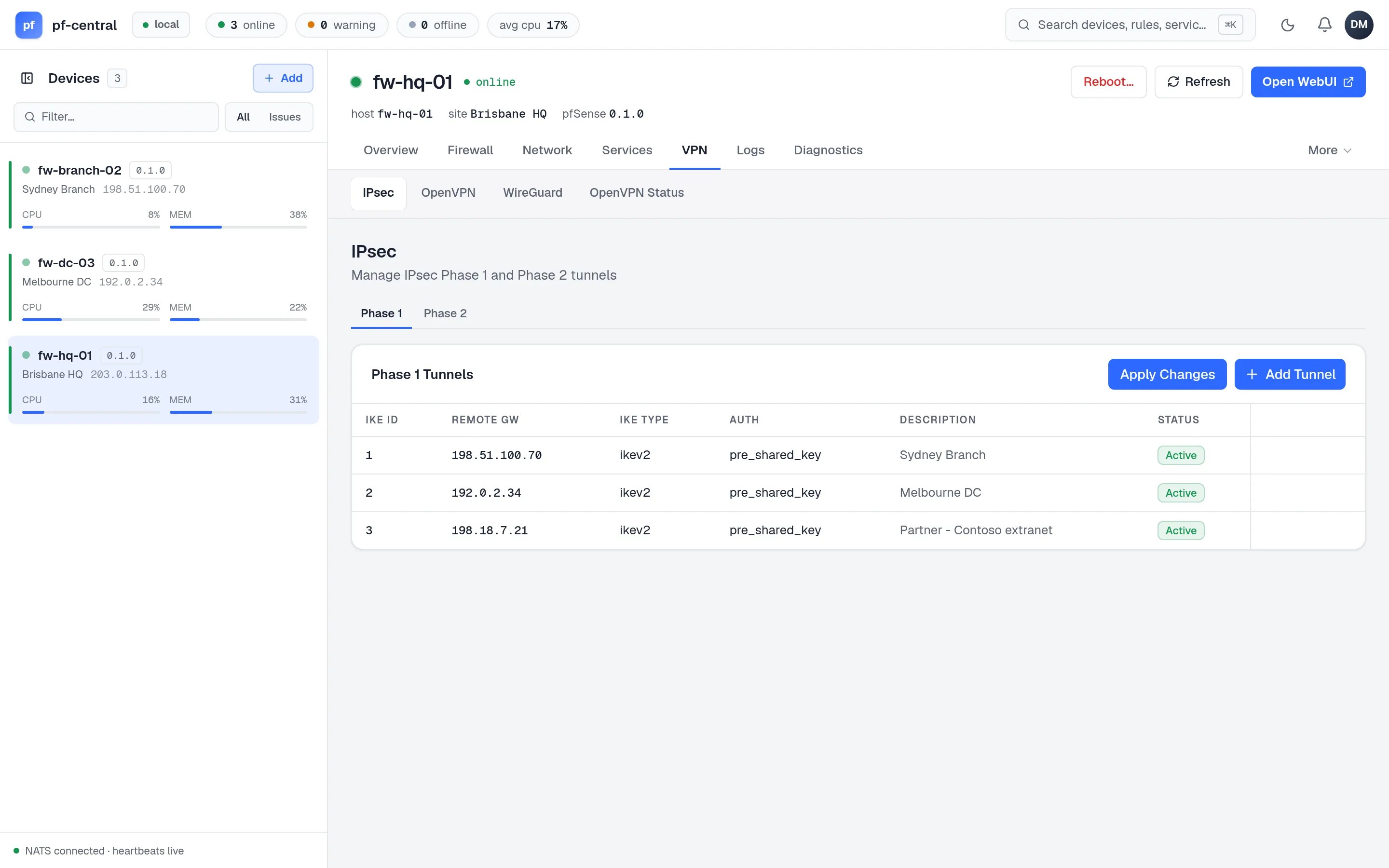
Two tabs, Phase 1 and Phase 2. Apply Changes is at the top of the Phase 1 tab.
Phase 1 sets up the tunnel between the two firewalls: description, IKE version (v1, v2 or auto), mode, protocol, interface, remote gateway, authentication (pre-shared key or certificate), lifetime, NAT traversal, dead peer detection, and one or more encryption proposals (algorithm and key length, hash, PRF, DH group).
Phase 2 sets up the traffic inside the tunnel: the parent phase 1, mode (tunnel, transport or VTI), local and remote networks, protocol (ESP or AH), PFS group and lifetime.
OpenVPN
Section titled “OpenVPN”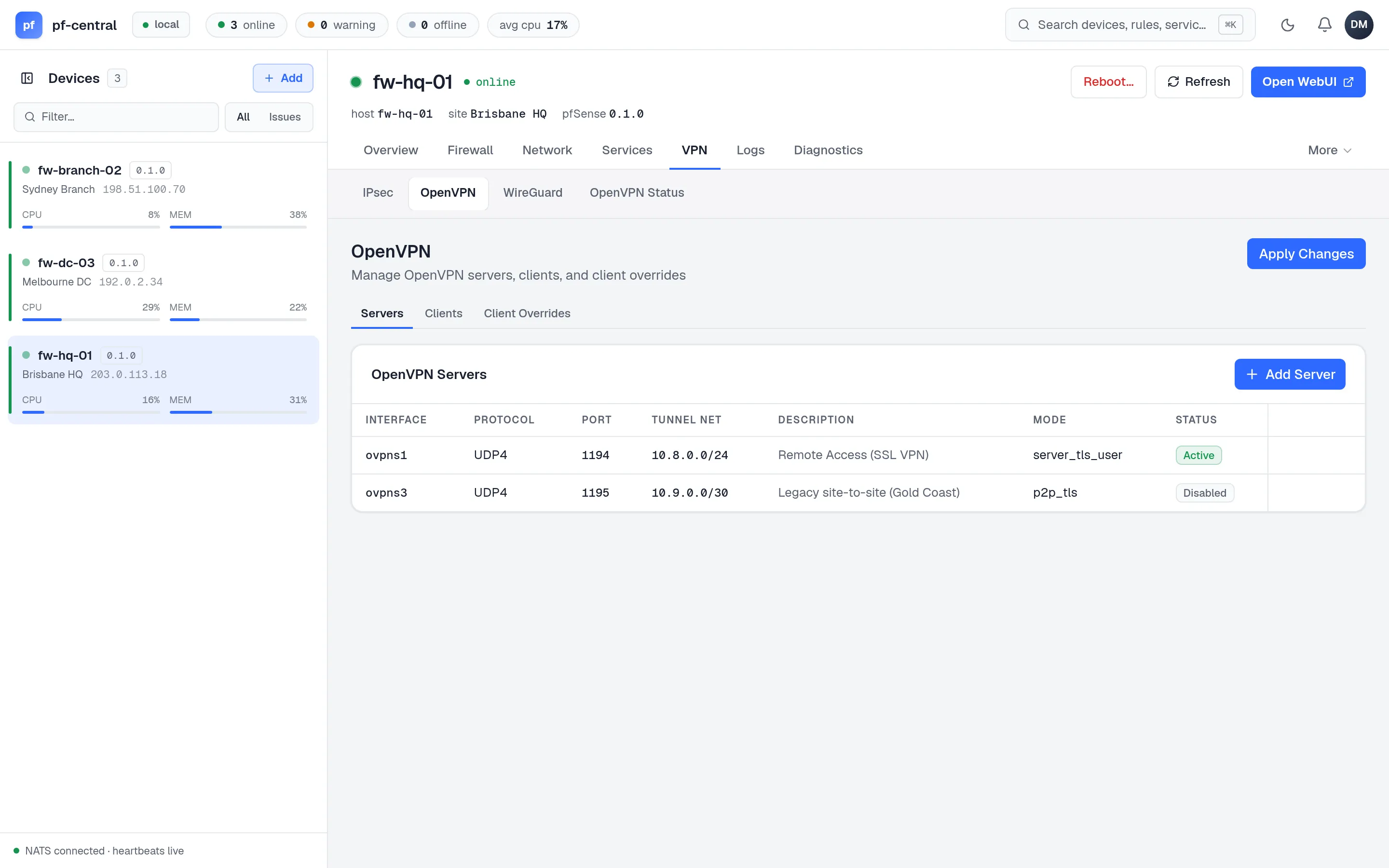
Three tabs:
| Tab | What you set |
|---|---|
| Servers | Description, mode, protocol, device (tun or tap), interface, topology, port, tunnel and local networks, DNS domain and servers |
| Clients | Mode (TLS or shared key), protocol, device, interface, server host and port, CA and certificate, TLS key, ciphers, digest, user and password, tunnel and remote networks, proxy |
| Client Overrides | Per-client settings by common name: tunnel, local and remote networks, DNS, and a block option |
WireGuard
Section titled “WireGuard”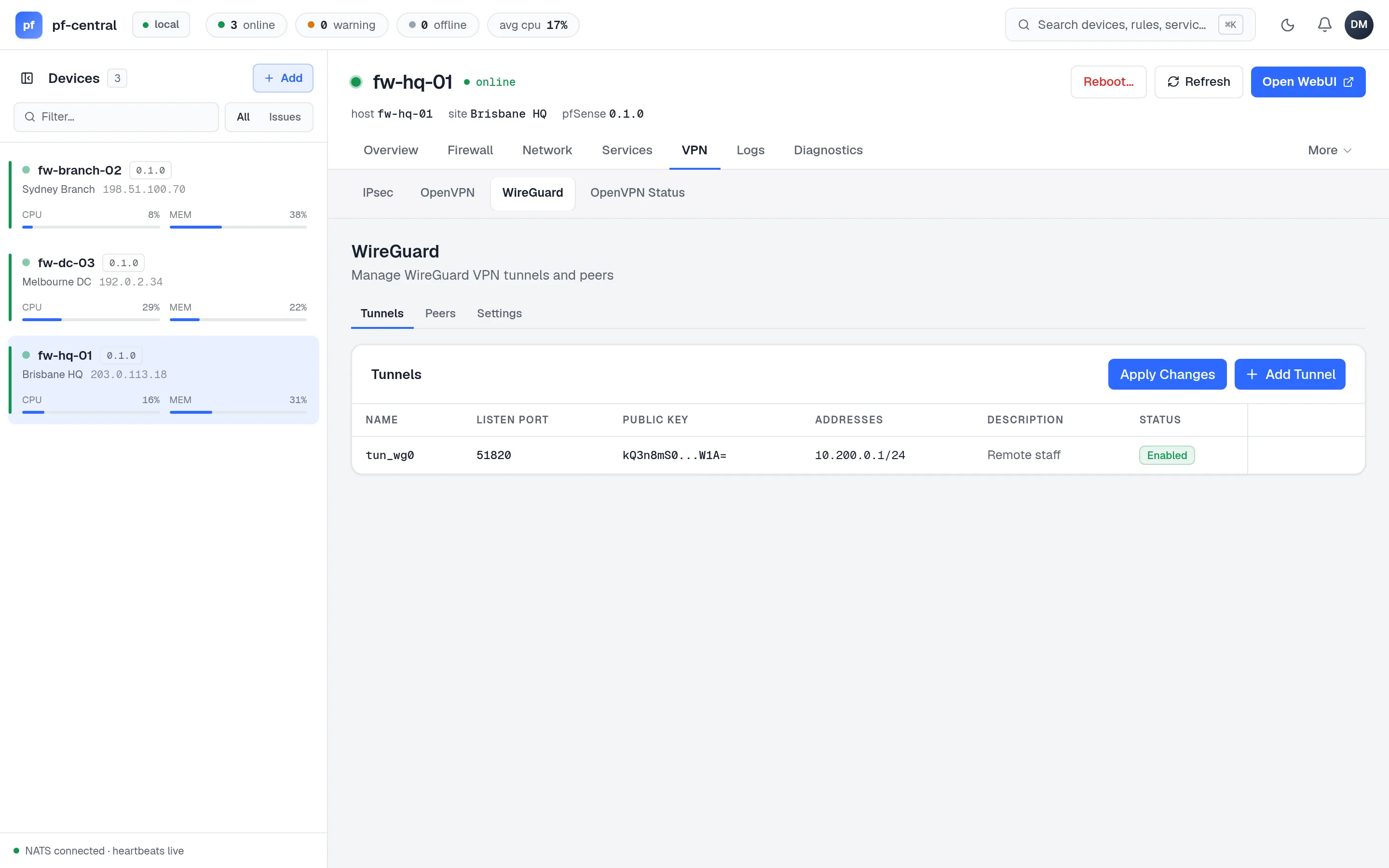
Three tabs:
- Tunnels: name (for example
tun_wg0), listen port, private key, MTU and addresses. Apply Changes is at the top of this tab. - Peers: the tunnel, endpoint and port, public key, pre-shared key, keepalive and allowed IPs.
- Settings: the package’s global settings. These are saved directly.
pfCentral does not generate WireGuard keys. Make a key pair on your workstation (wg genkey | tee private.key | wg pubkey > public.key) and paste the private key.
OpenVPN status
Section titled “OpenVPN status”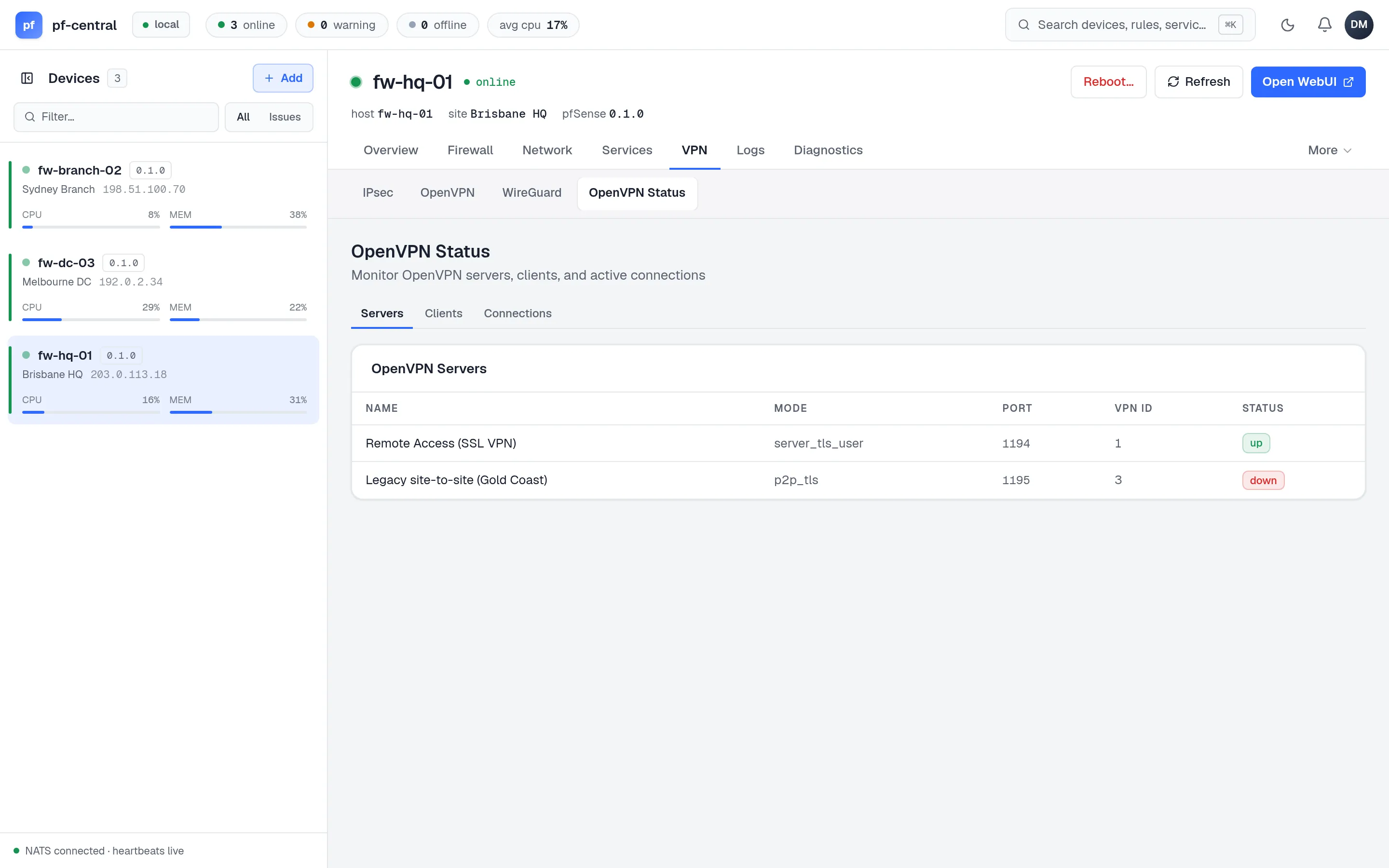
A read-only view with three tabs: Servers, Clients and Connections (common name, remote host, virtual address, bytes and connect time). You cannot disconnect a client from here.